How it works

Start simple. Bring everyone together.

Create or join a family space, invite the people who share your week, and start with the tools you need. Add more when you are ready.

iPhone, Android and webStart where you are
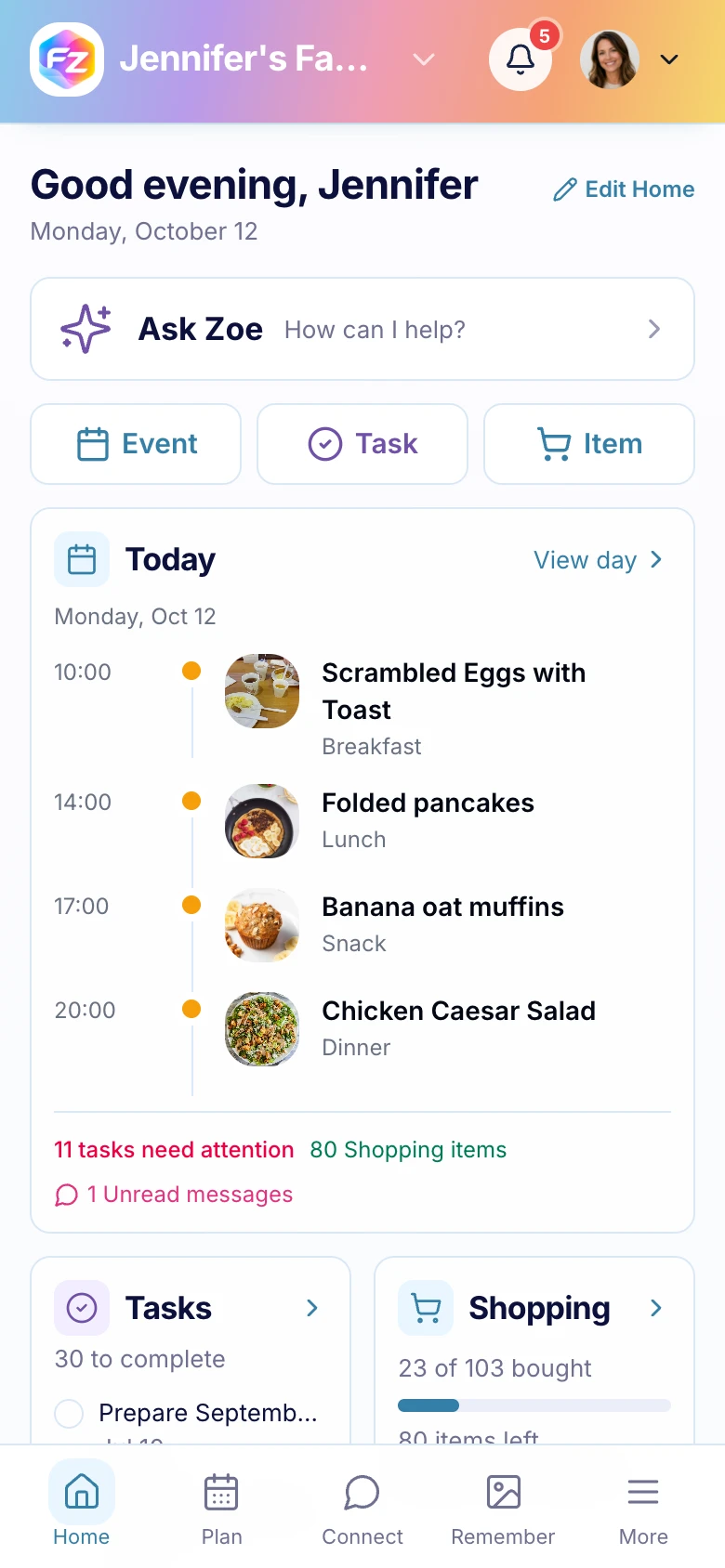
Family Zone family home screen on a phone
A real screen from the Family Zone app
A simple start

Your family can be up and running in three steps.

  1. 01

    Create or join

    Set up a family space, or join one with an invitation from someone you know.

    See shared spaces
  2. 02

    Bring everyone in

    Invite the people who share the plans, responsibilities and little moments.

    Explore invitations
  3. 03

    Start where you are

    Choose a calendar, a task list or a meal plan. Add other tools whenever they become useful.

    Browse the features
One family space

Three parts, shaped around family life.

01 / 03

Plan

Keep everyone on the same page with a shared calendar, tasks, meals, shopping lists, chores, budget and learning.

  • See plans together
  • Share everyday jobs
  • Plan meals and shopping
Explore Plan
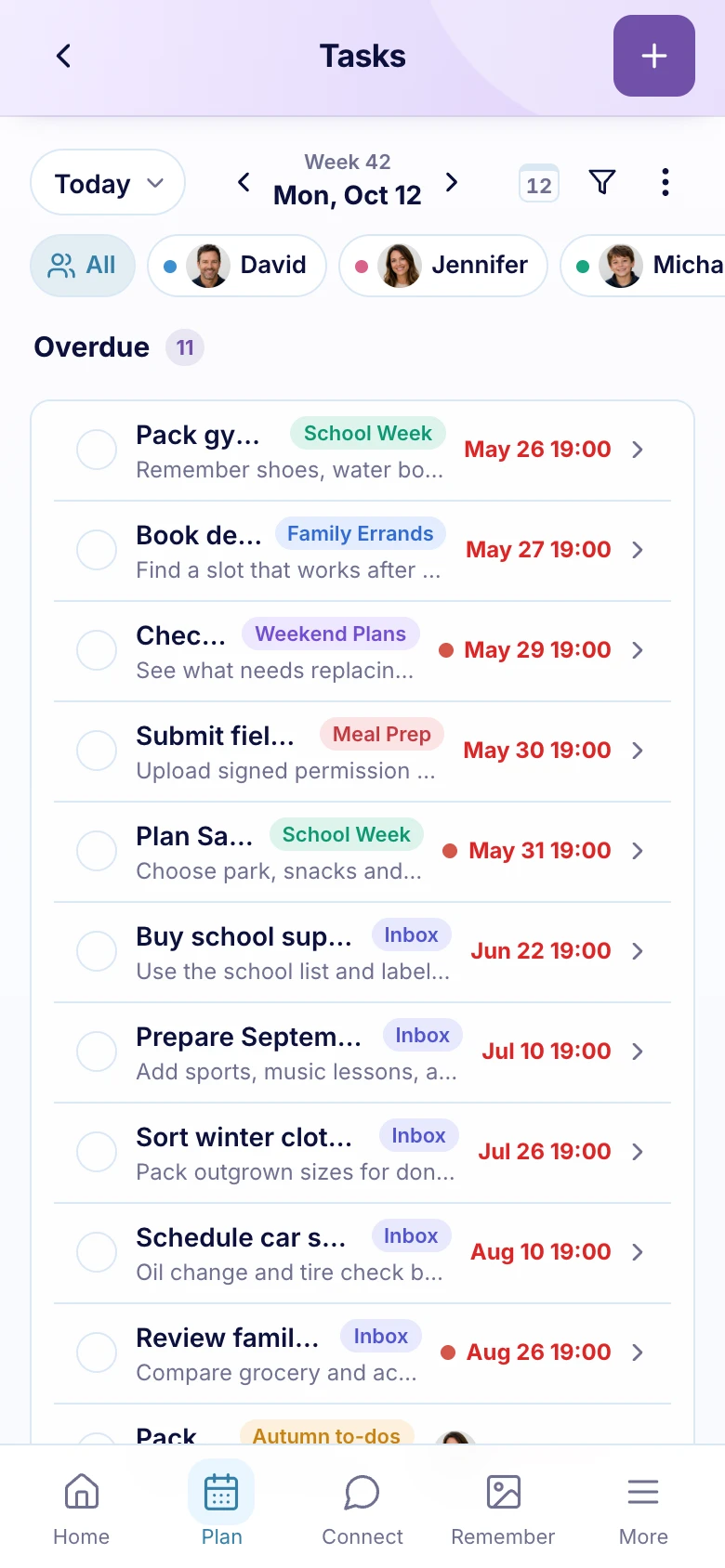
Plan overview in the Family Zone app
A real screen from the Family Zone app
Works with what you already use

Bring the calendars you already use.

Connect Google Calendar, Apple Calendar or Outlook to one shared family view. Events from connected calendars appear in Family Zone, and Family Zone events can sync back to each connected calendar.

See calendar connections
Good to know

A few common questions.

Visit the Help Center
Do we need to use every feature?

No. Start with the parts that help right now, and add more when your family is ready.

Can we keep using our current calendars?

Yes. Connect Google Calendar, Apple Calendar or Outlook. Events from connected calendars appear in Family Zone, and Family Zone events can sync back to each connected calendar.

Can we use Family Zone on the web?

Yes. Family Zone works on iPhone, Android and the web, so everyone can choose the screen that suits them.

Family Zone

Ready to make a little more room in the week?

Start with the tools your family needs today.

Get started free