Everything Your Family Needs
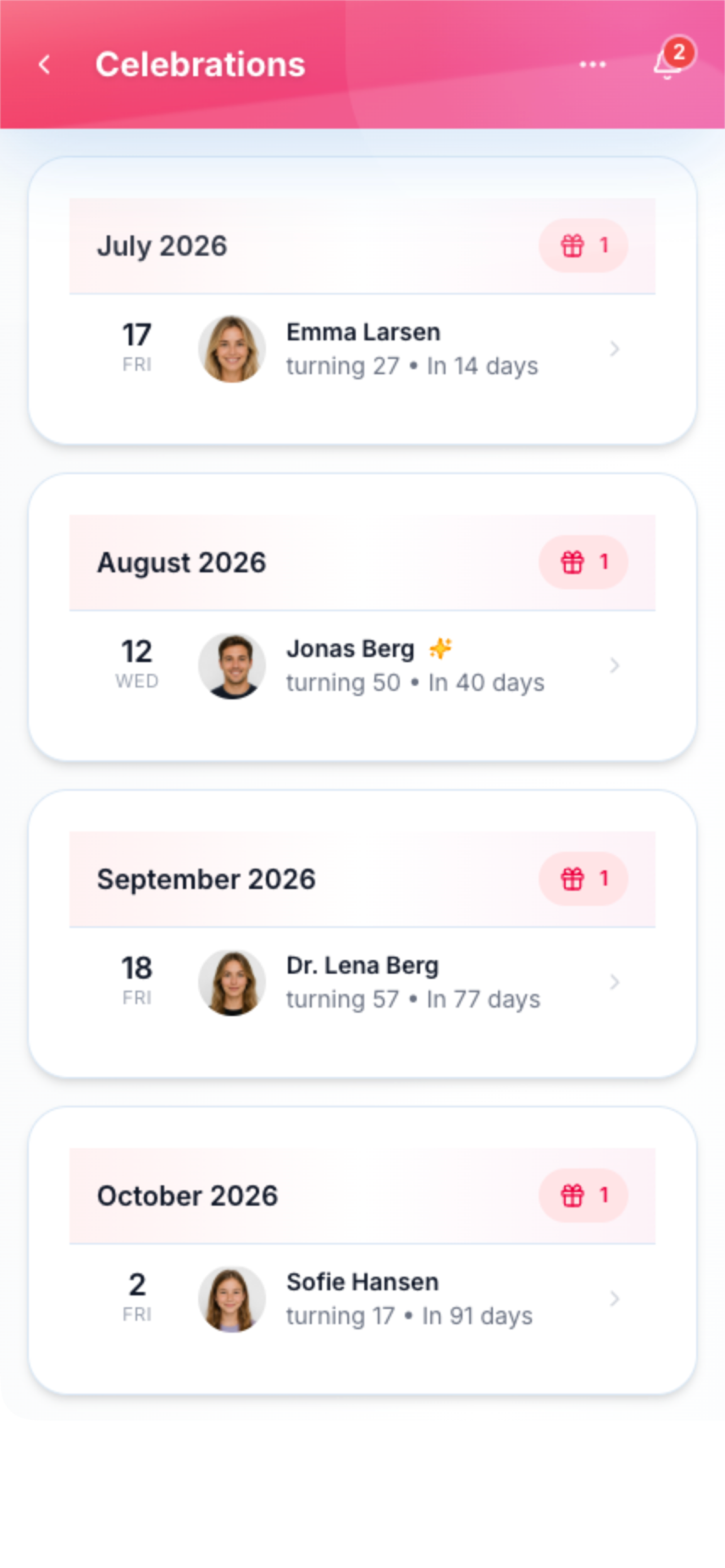
Family Zone brings together 18+ powerful features designed specifically for busy families. From AI-powered meal planning to gamified chores that kids actually love, and beautiful event invitations with real-time RSVP tracking—we've got you covered.
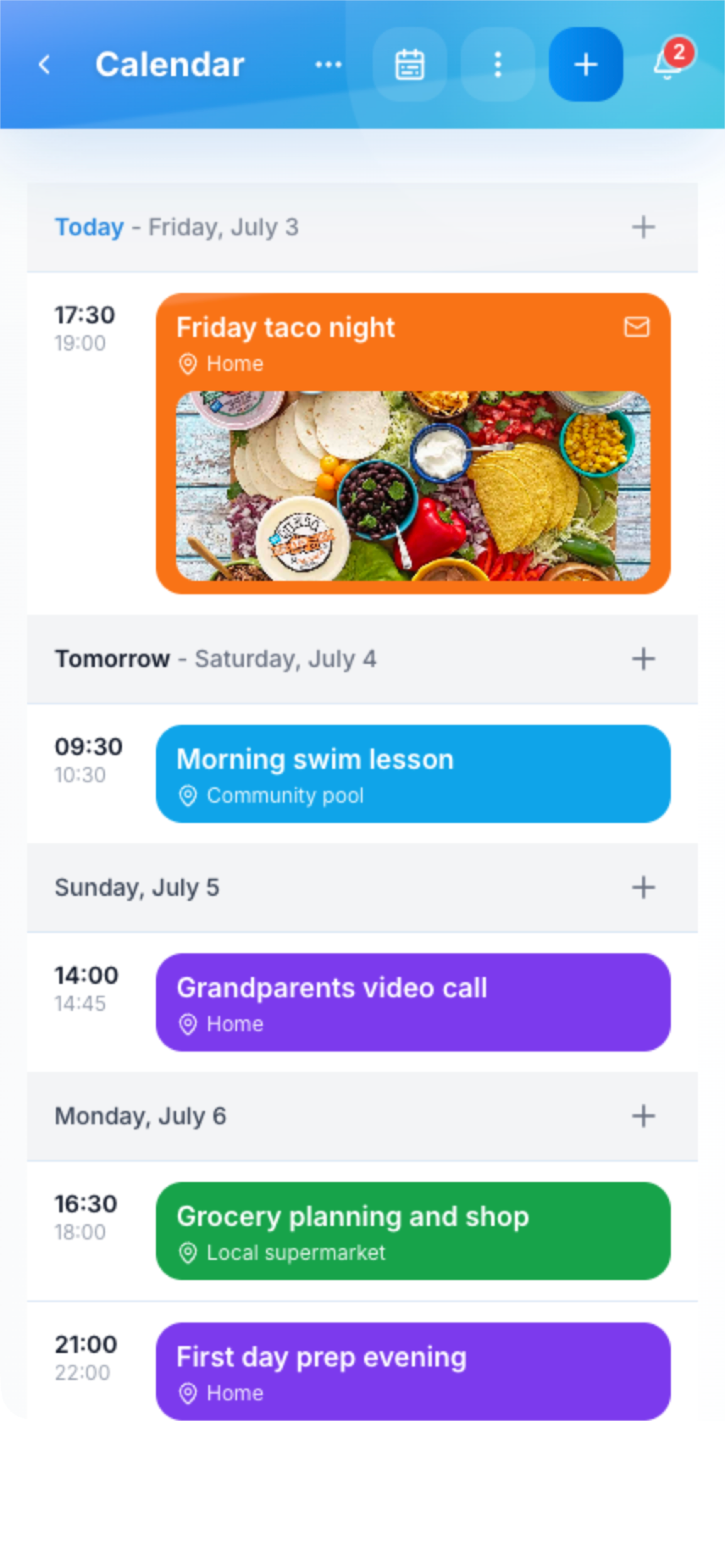
Shared Calendar
Keep your entire family in sync with a beautiful shared calendar. Color-coded events per family member, recurring events, reminders, and seamless integration with Google, Outlook, and Apple calendars. AI-powered conflict detection ensures no double-bookings.
Shared Calendar Screenshot
390×844
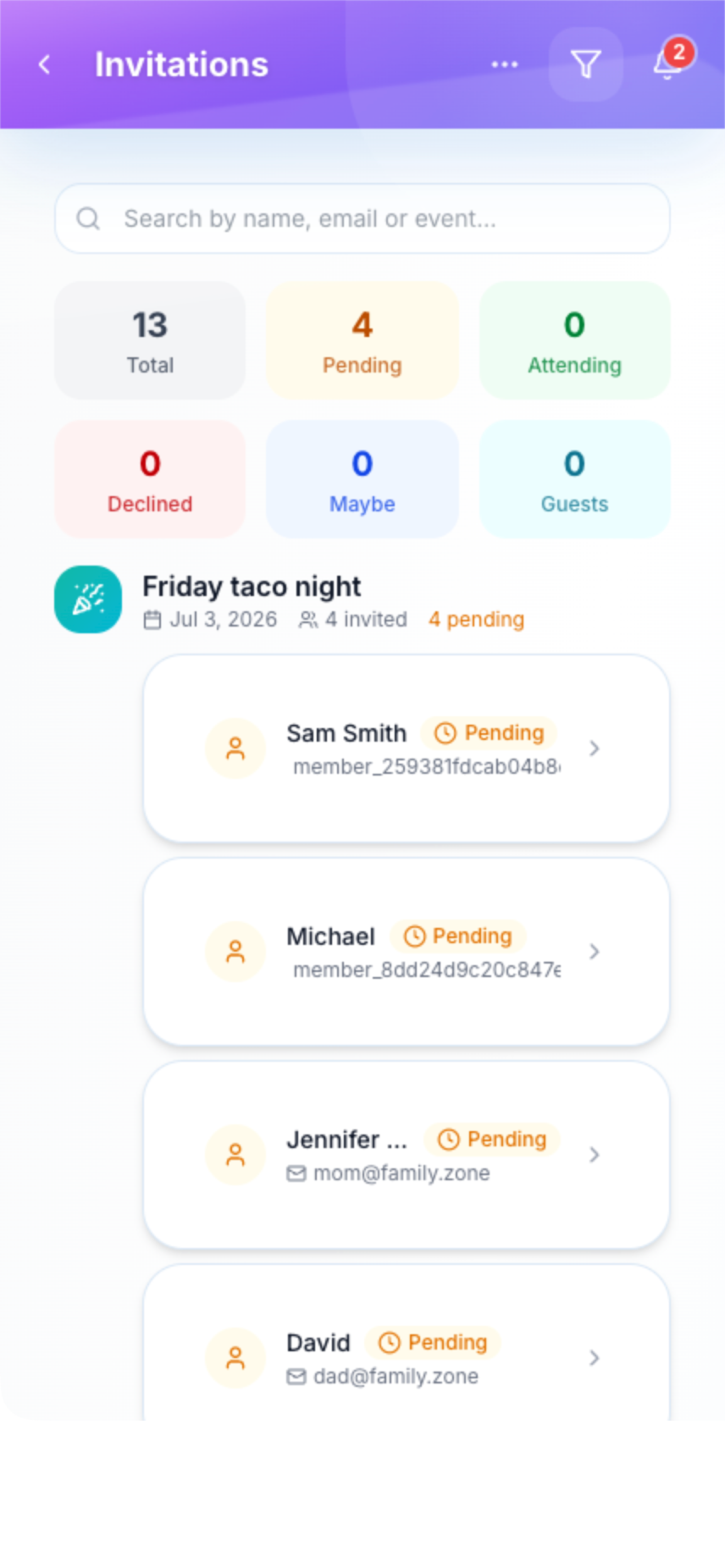
Event Invitations & RSVP
Create beautiful, fully customizable invitations for birthdays, weddings, baby showers, BBQs, and any occasion. Choose from 8+ professionally designed templates or craft your own with custom colors, fonts, and imagery. Share via link or QR code, then track RSVPs in real-time with detailed guest counts, plus-ones, dietary requirements, and accessibility needs—all from a single dashboard.
Event Invitations & RSVP Screenshot
390×844
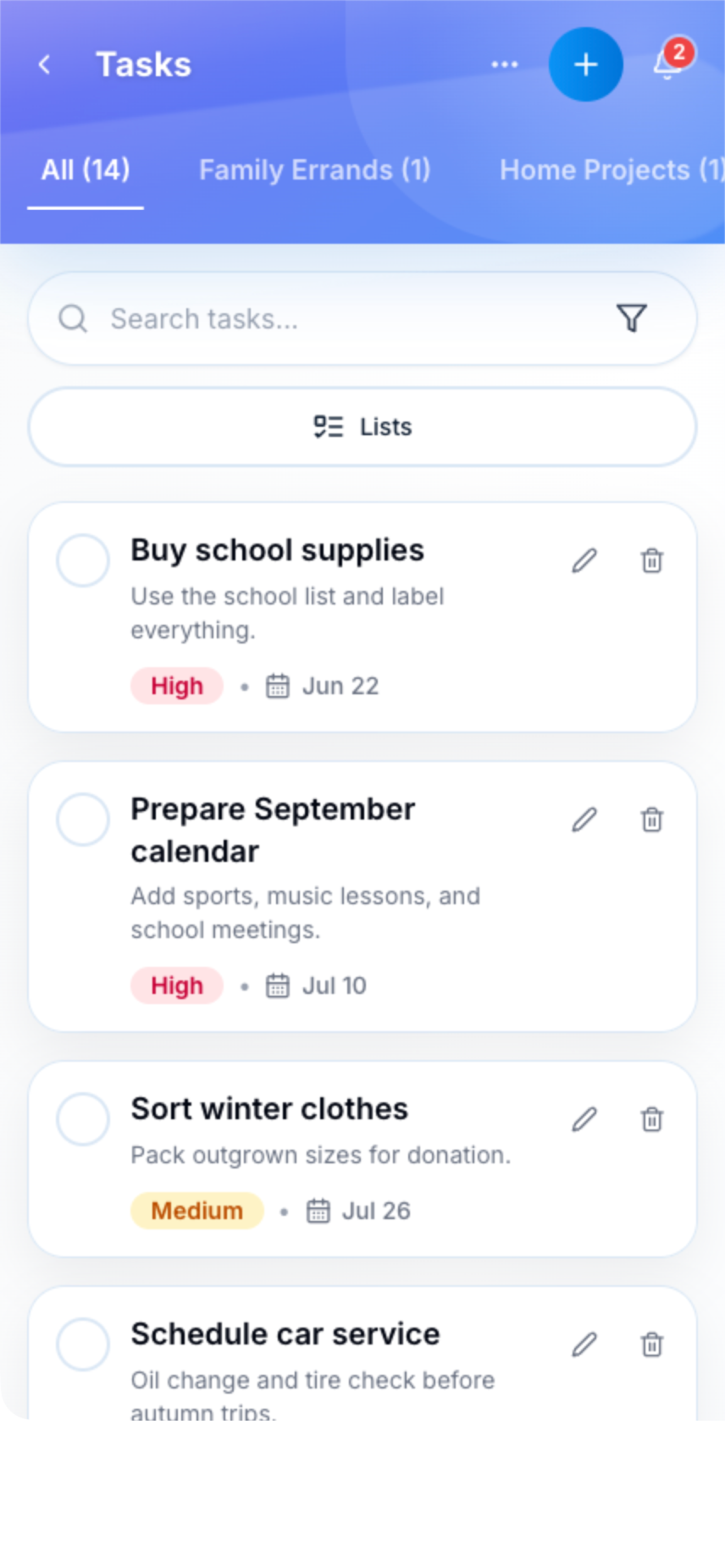
Tasks & To-Dos
Create multiple task lists, assign to family members, set priorities and due dates. Attach photos for clarity and get reminders so nothing falls through the cracks.
Tasks & To-Dos Screenshot
390×844
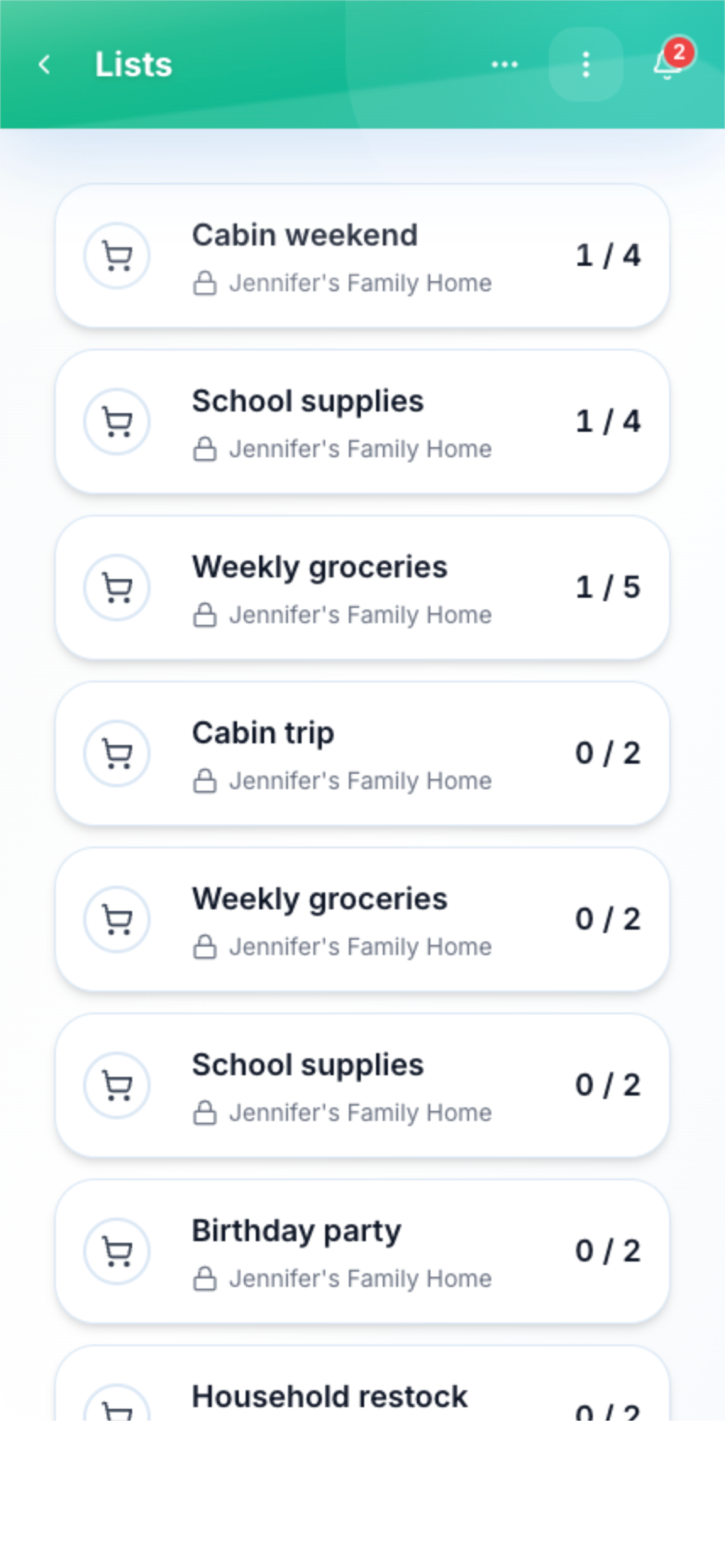
Shopping Lists
Never forget an item again. Create shared shopping lists that update in real-time. Auto-organize by supermarket aisle and check off items as you shop.
Shopping Lists Screenshot
390×844
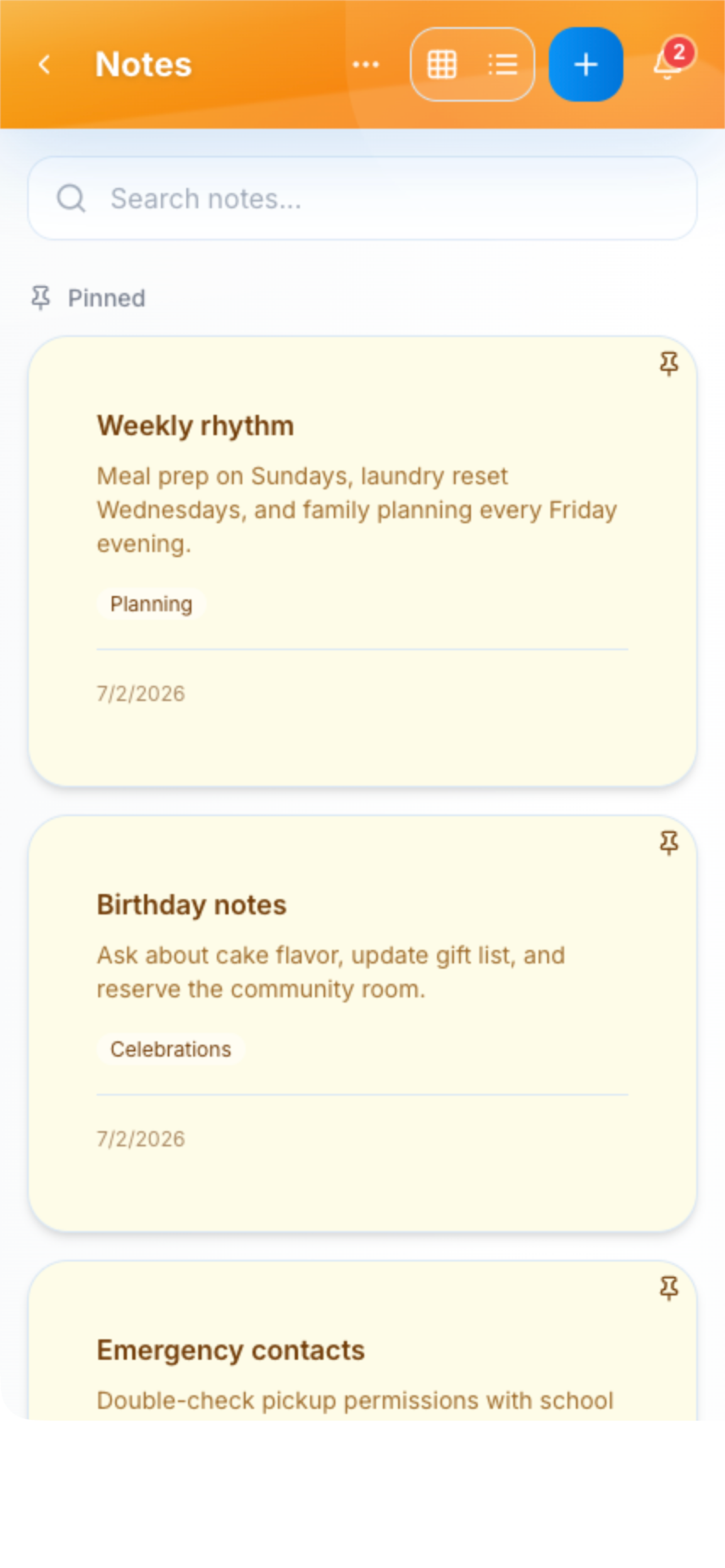
Family Notes
Keep important information accessible to everyone. WiFi passwords, emergency contacts, school info—pin important notes and organize by category.
Family Notes Screenshot
390×844
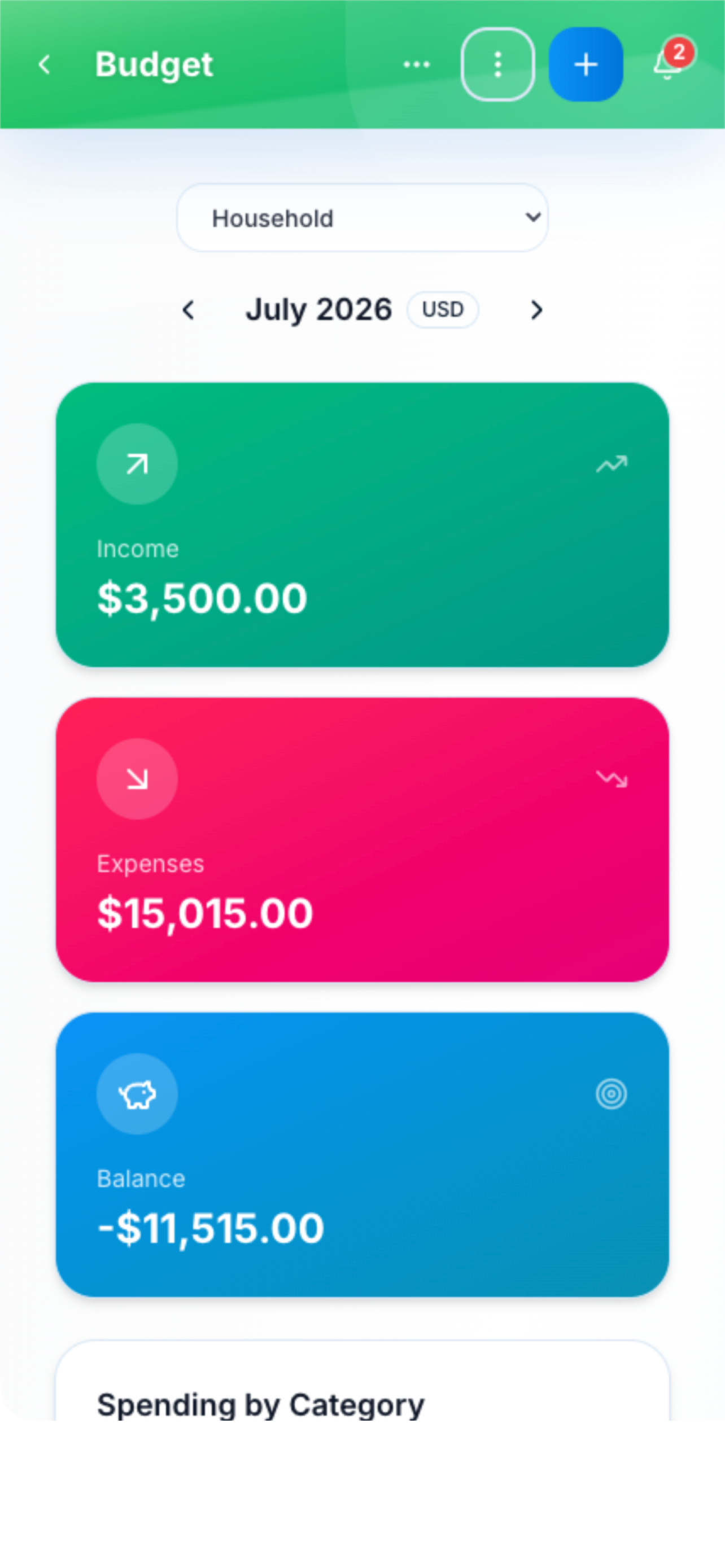
Budget Tracking
Track family finances together with shared or personal budgets. Set savings goals, get alerts when approaching limits, and make budgeting fun with achievements and progress tracking.
Budget Tracking Screenshot
390×844
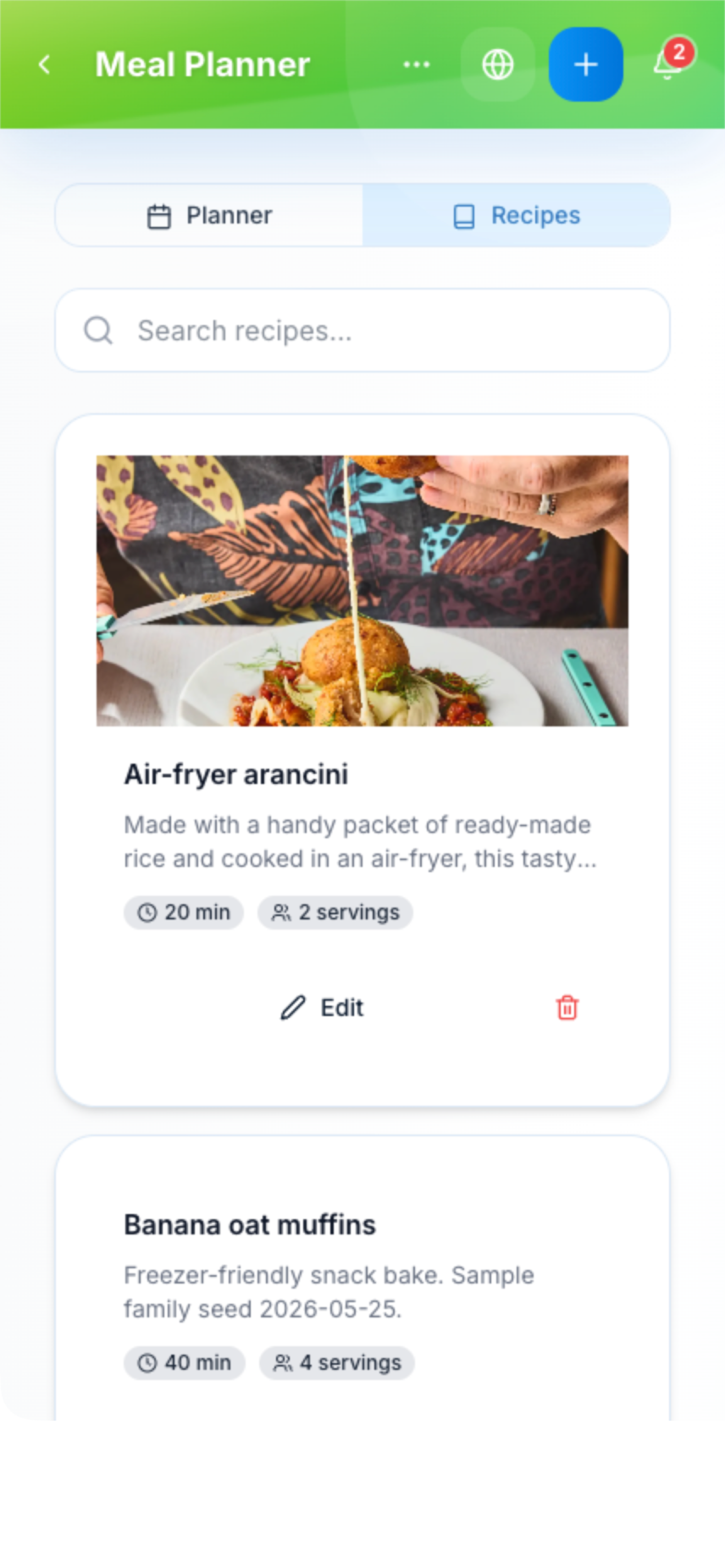
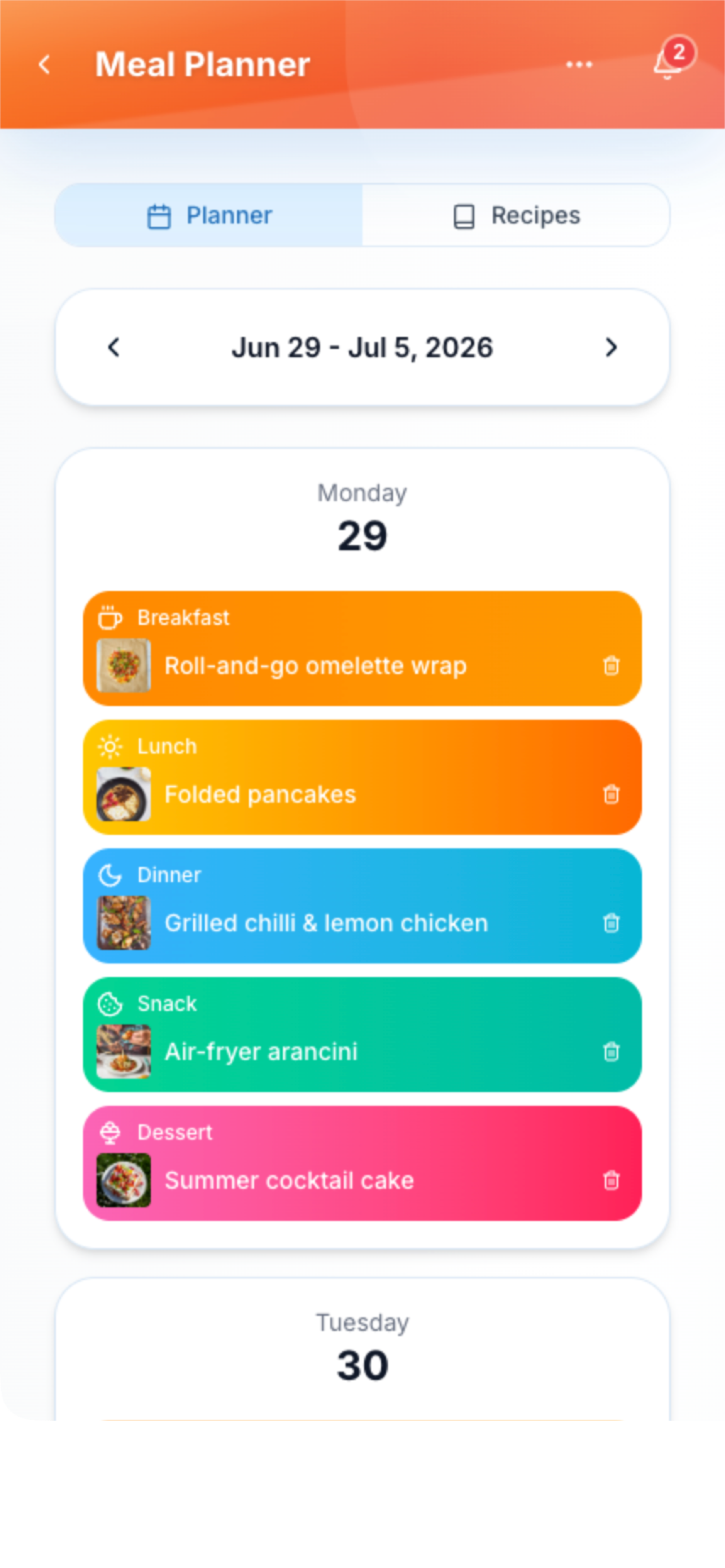
AI Meal Planner
Let AI plan your meals based on dietary preferences, available ingredients, and busy schedules. Import recipes from any URL, track your pantry inventory, and auto-generate grocery lists.
AI Meal Planner Screenshot
390×844
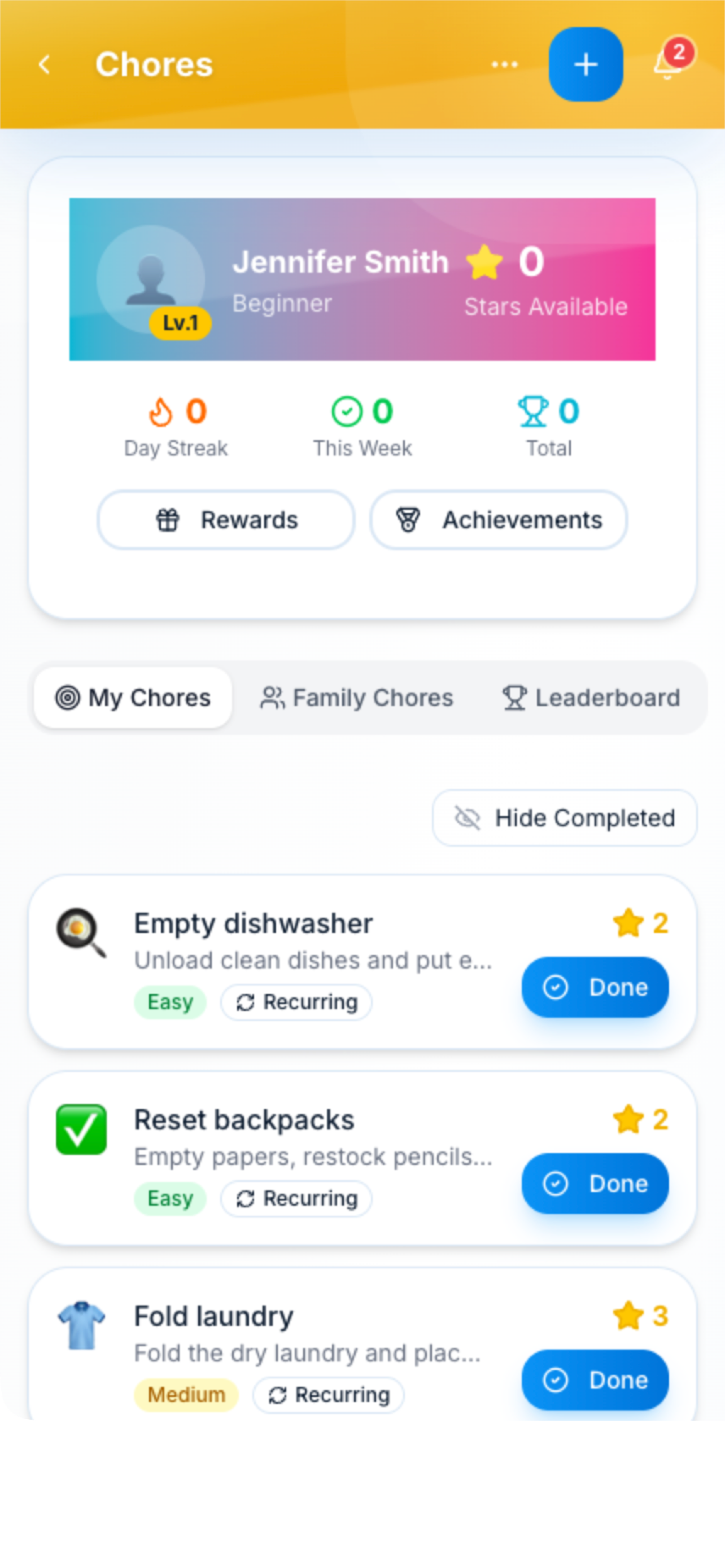
Gamified Chores
Make chores fun! Kids earn stars for completing tasks, build streaks for consecutive days, unlock achievements, and redeem rewards from the family reward shop. Track progress on the family leaderboard.
Gamified Chores Screenshot
390×844
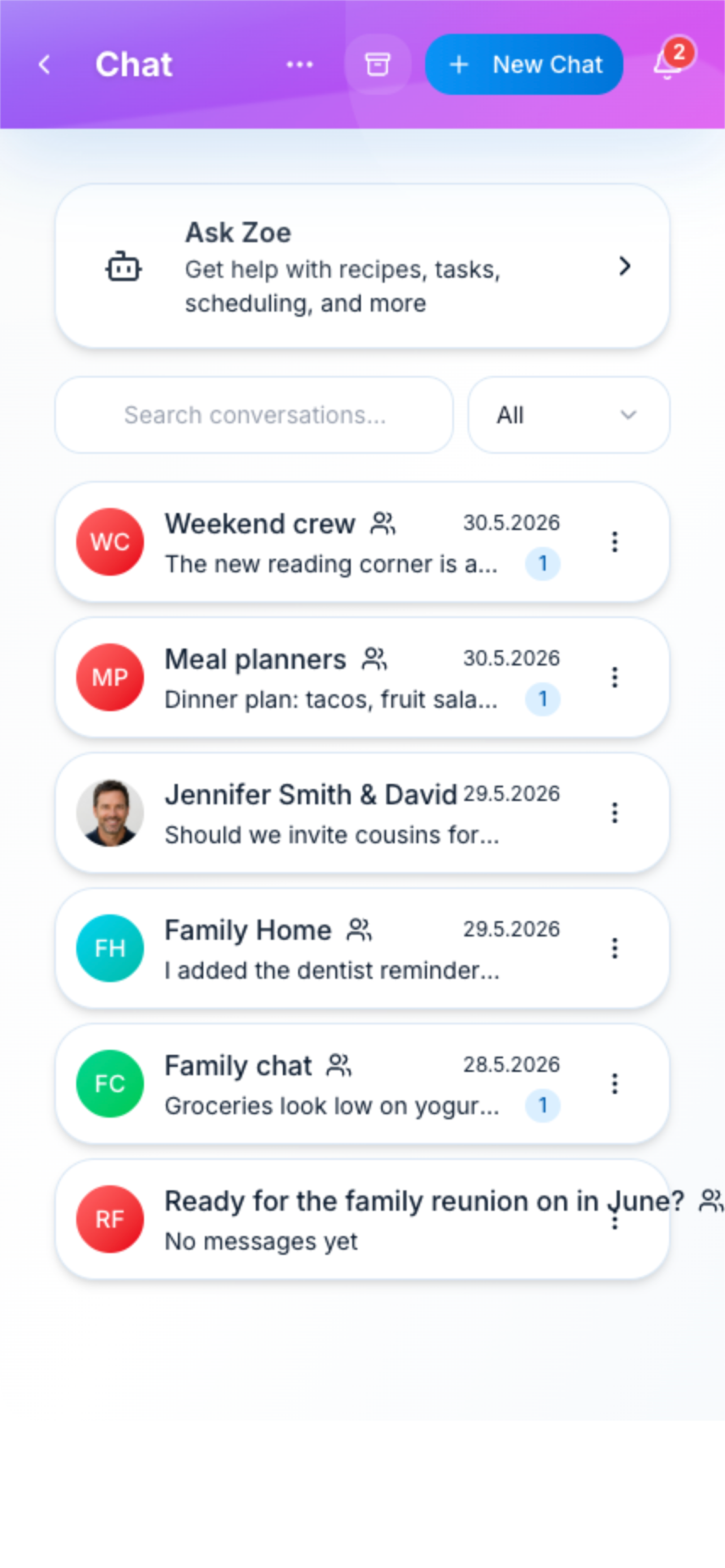
Family Chat
Stay connected with family chat. Send messages, photos, voice notes, and even polls for family decisions. Ask @Zoe for help with meal ideas, scheduling, or household tips.
Family Chat Screenshot
390×844
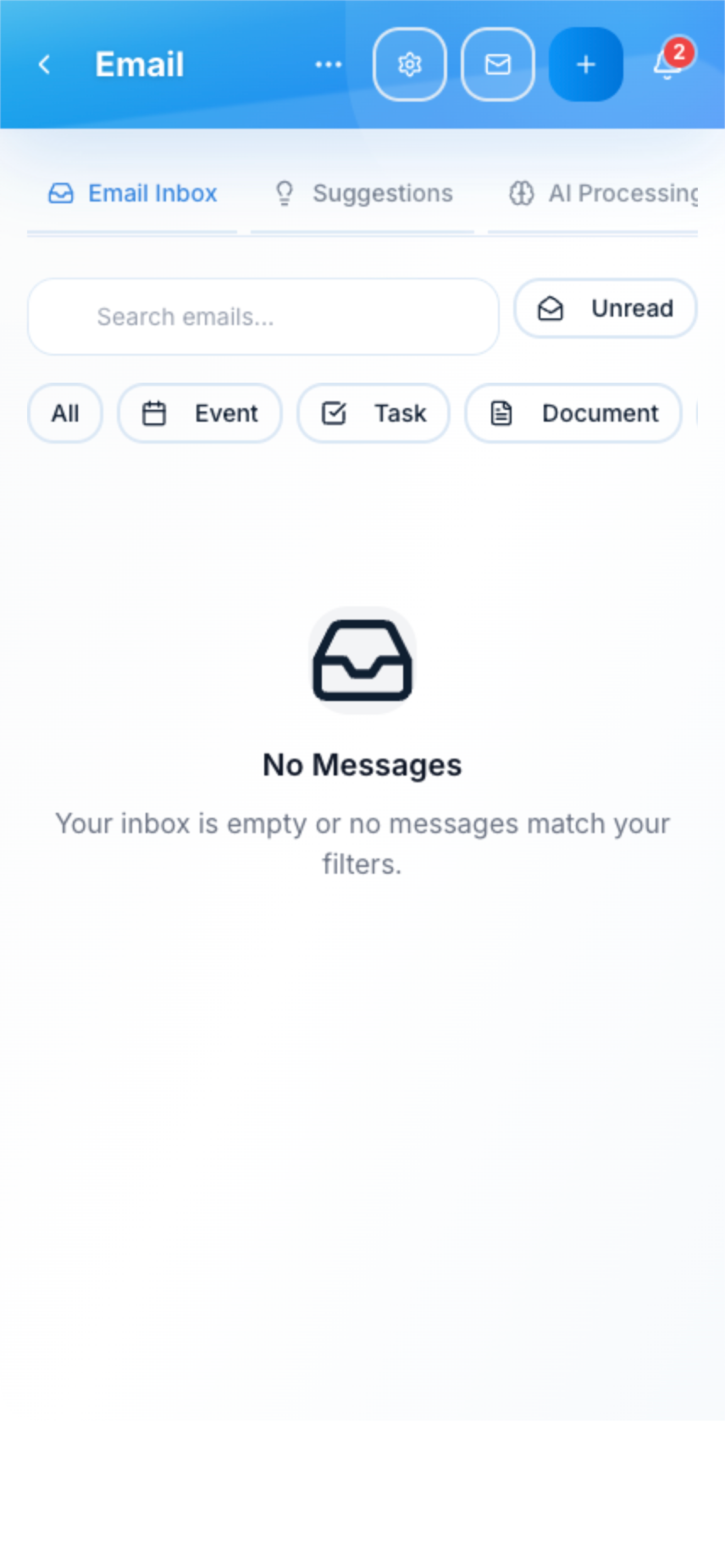
Email Intelligence
Connect your email and let AI do the work. Automatically extract flight bookings, appointment confirmations, bills, and school events. One-click to add to calendar or tasks.
Email Intelligence Screenshot
390×844
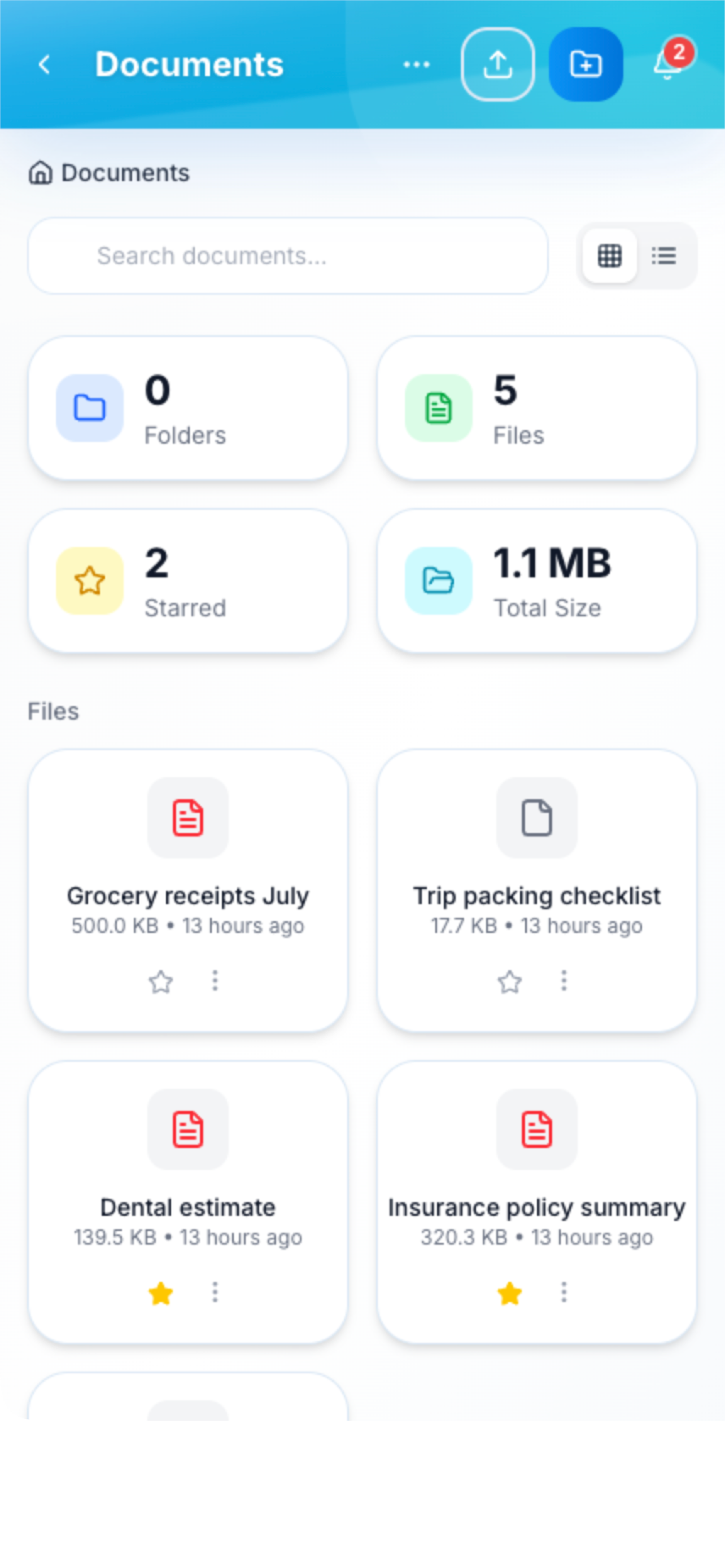
Document Vault
Store and organize important family documents. Insurance, medical records, passports, receipts—all safely stored with AI-powered tagging and easy search.
Document Vault Screenshot
390×844
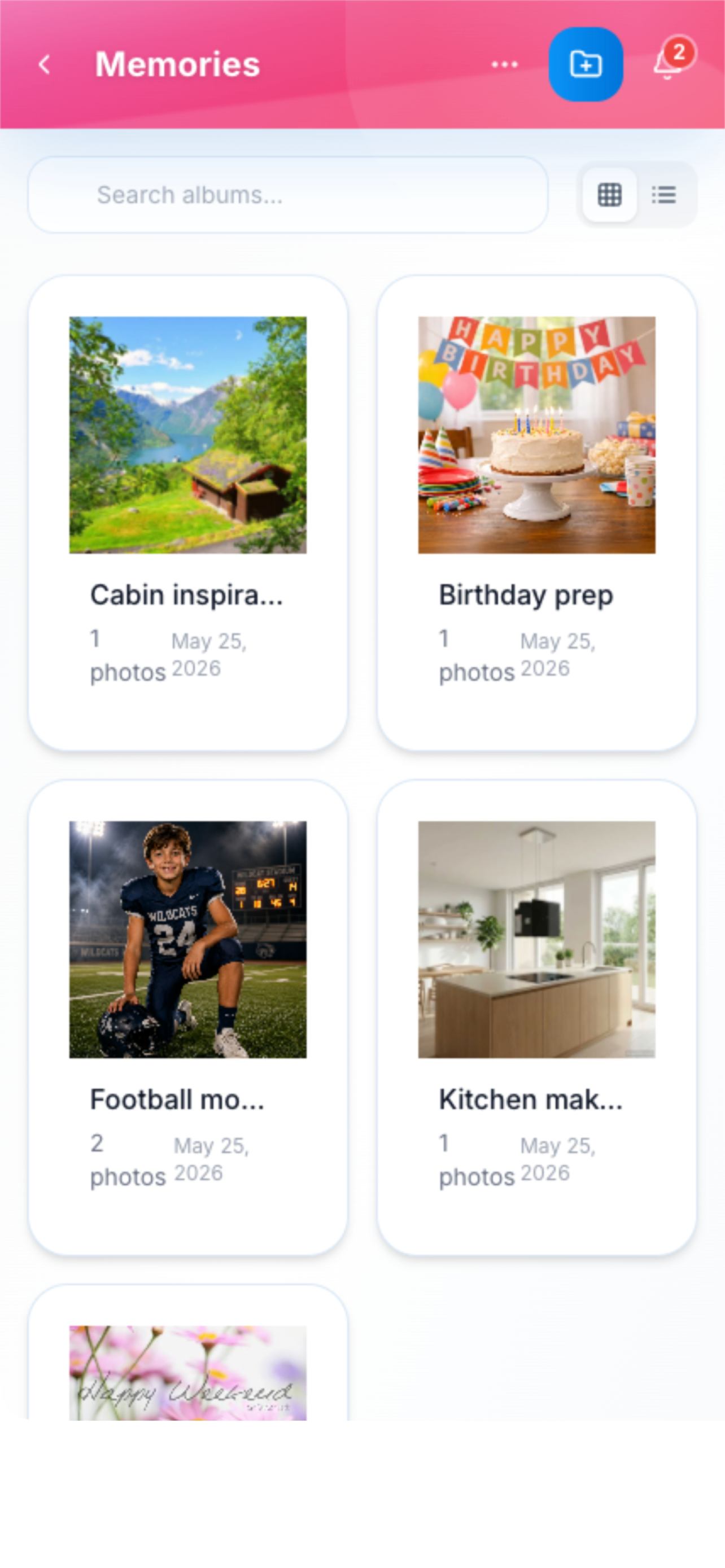
Photo Memories
Create beautiful photo albums for family memories. AI generates summaries of your albums, making it easy to reminisce about vacations, birthdays, and everyday moments.
Photo Memories Screenshot
390×844
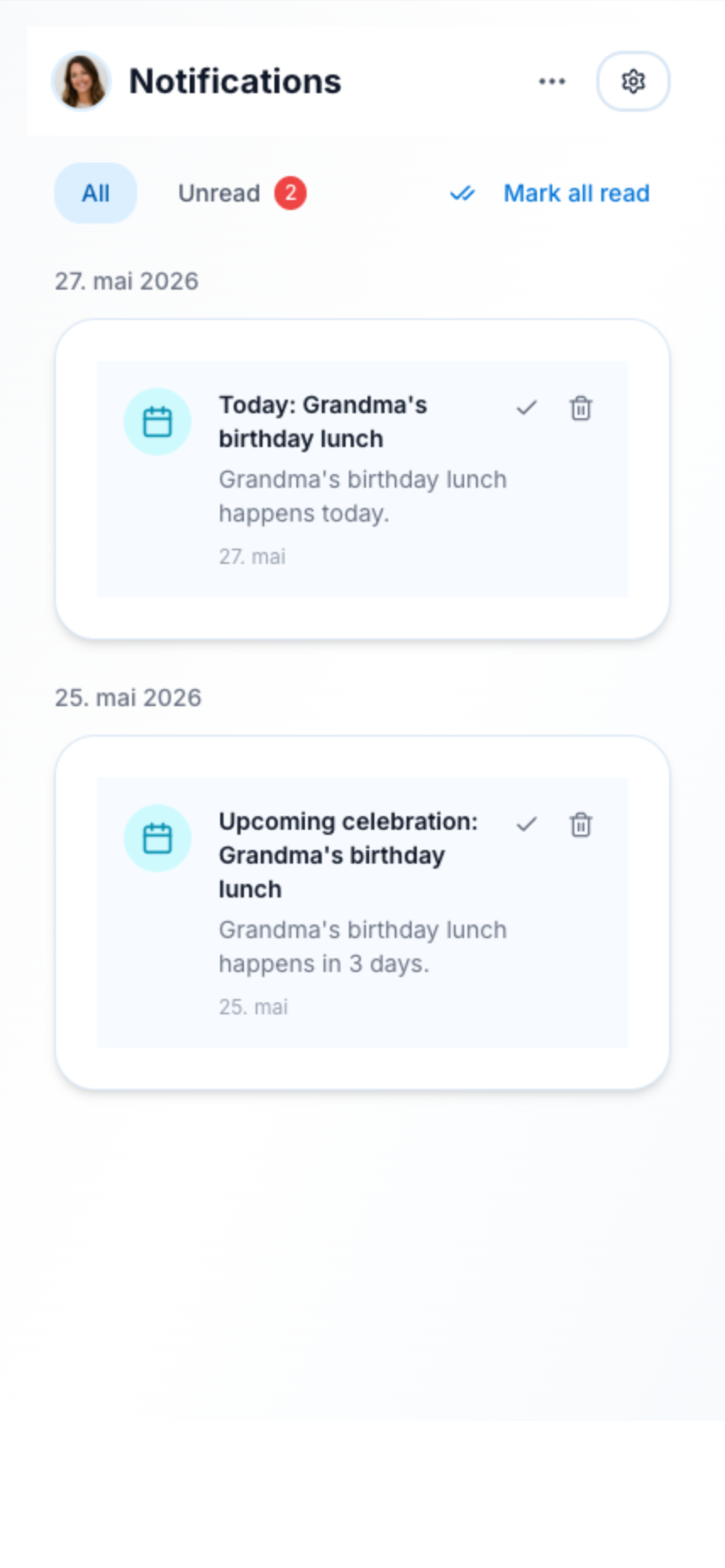
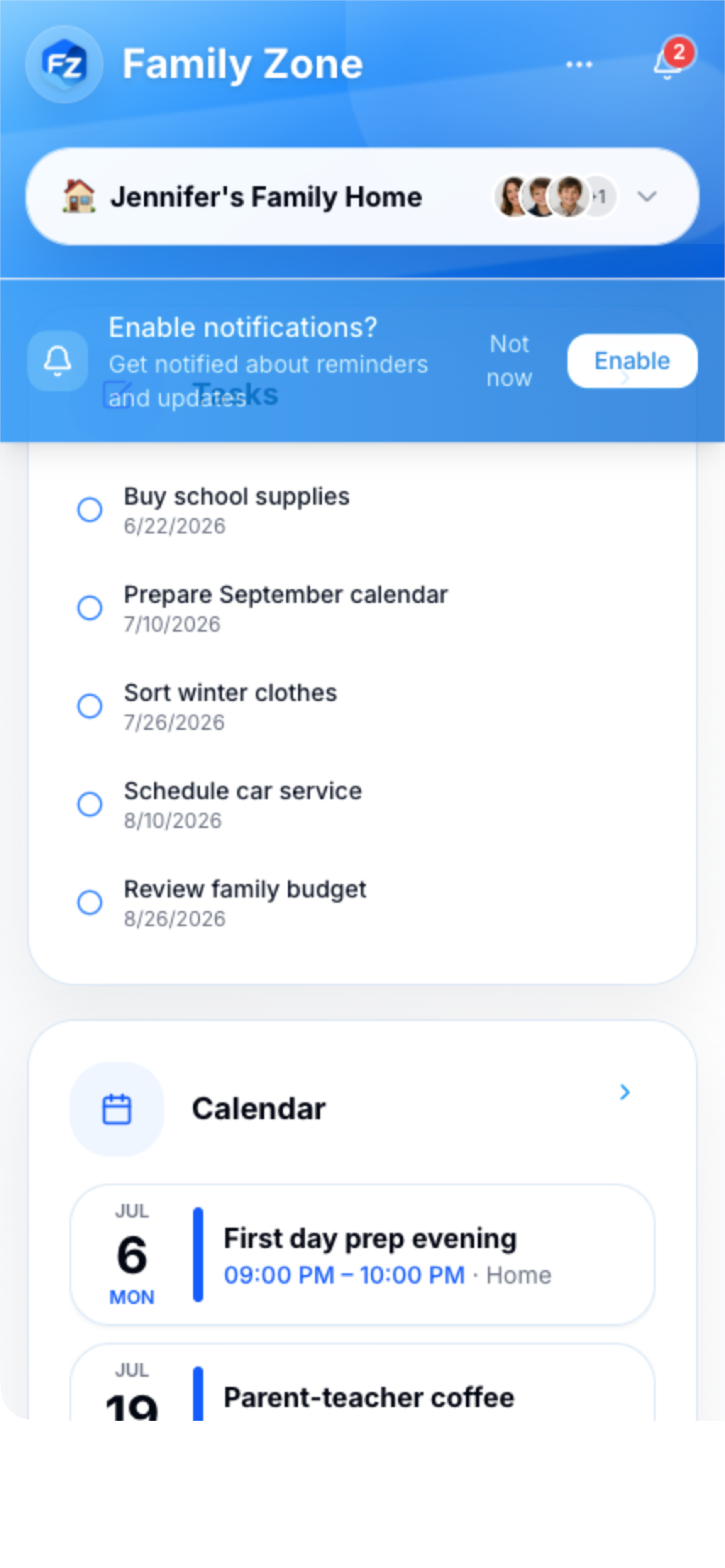
Smart Notifications
Never miss what matters. Get push notifications for events, task reminders, chore completions, and more. Customize what you want to be notified about.
Smart Notifications Screenshot
390×844
Family Spaces
Create separate spaces for different needs—main household, vacation planning, school projects, or shared custody schedules. Control who sees what with role-based permissions.
Family Spaces Screenshot
390×844
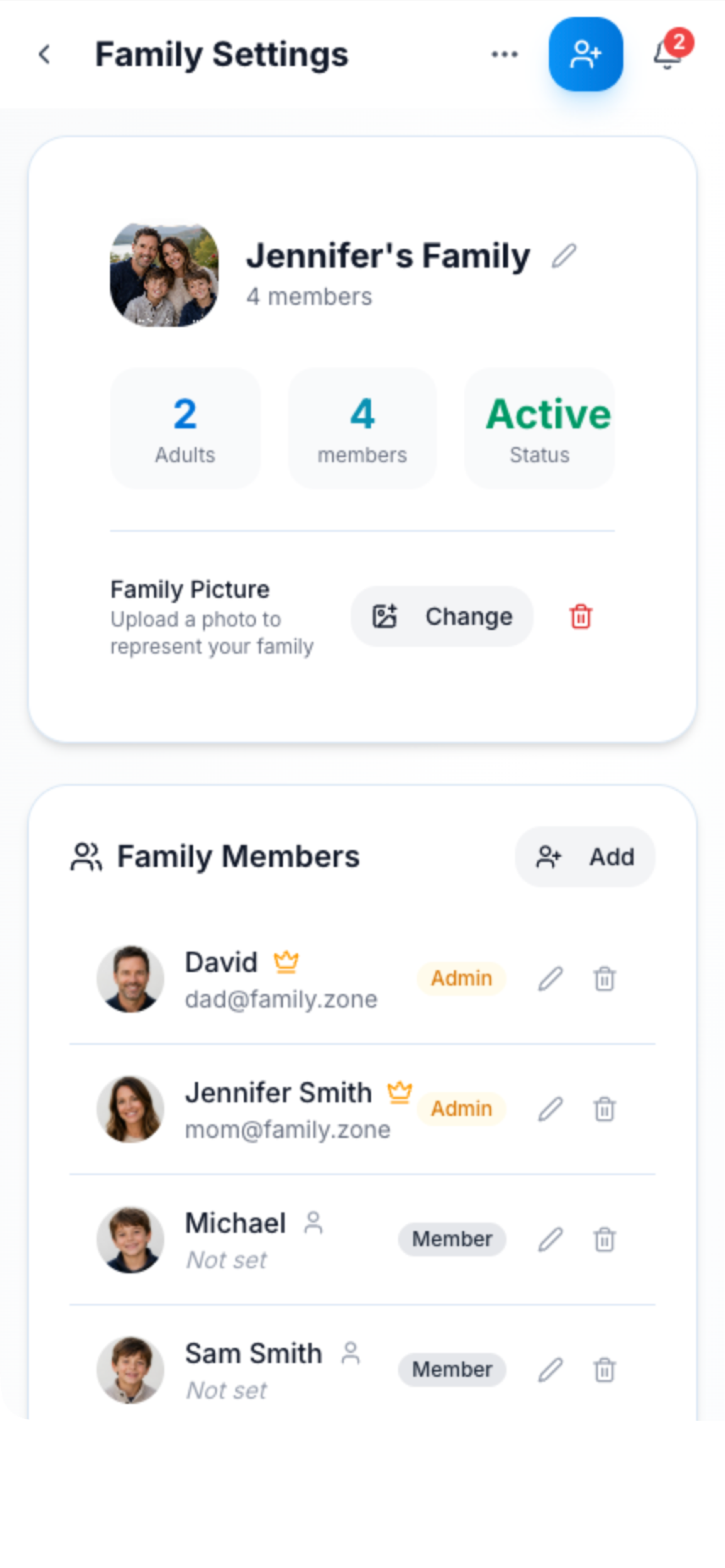
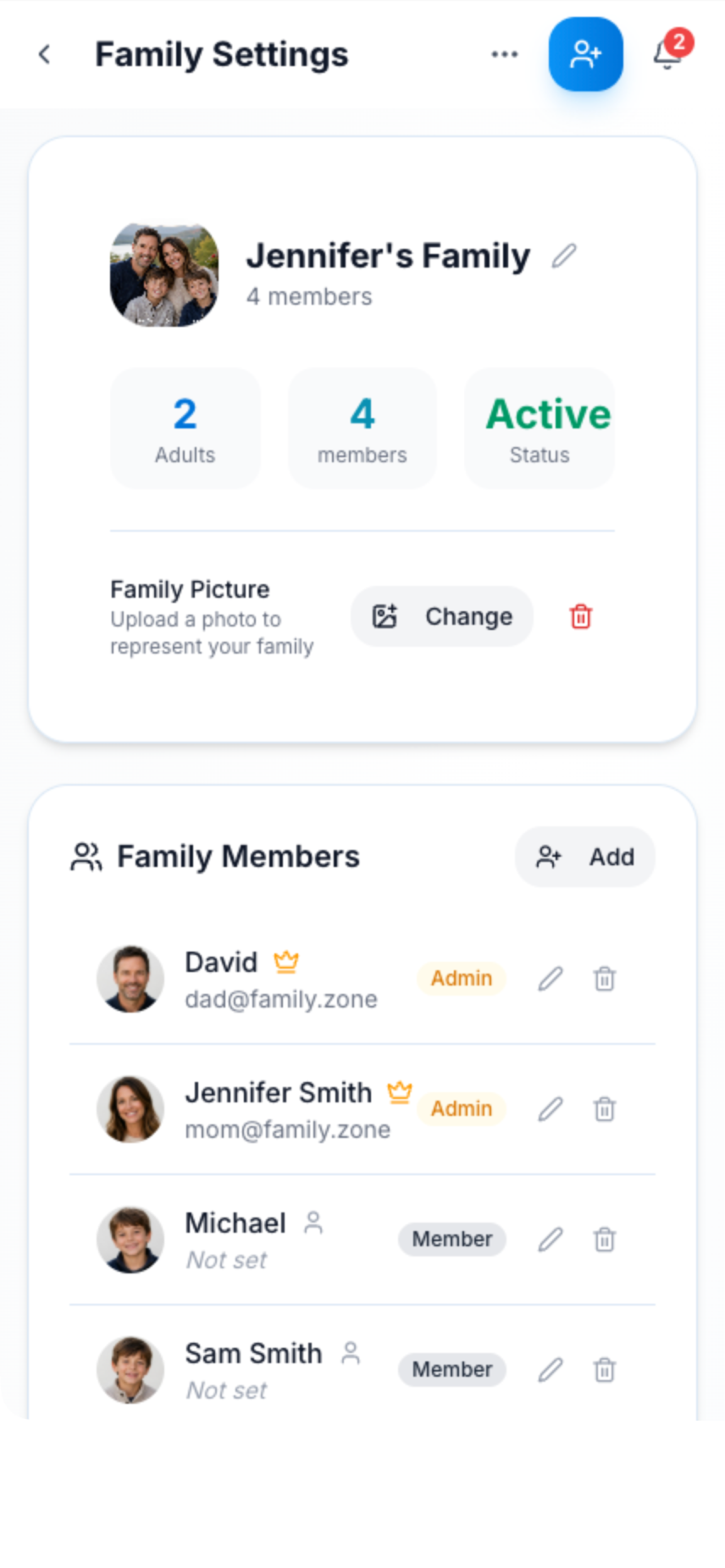
Family Management
Add family members easily with invitation codes or QR codes. Set roles, manage permissions, and keep everyone connected.
Family Management Screenshot
390×844
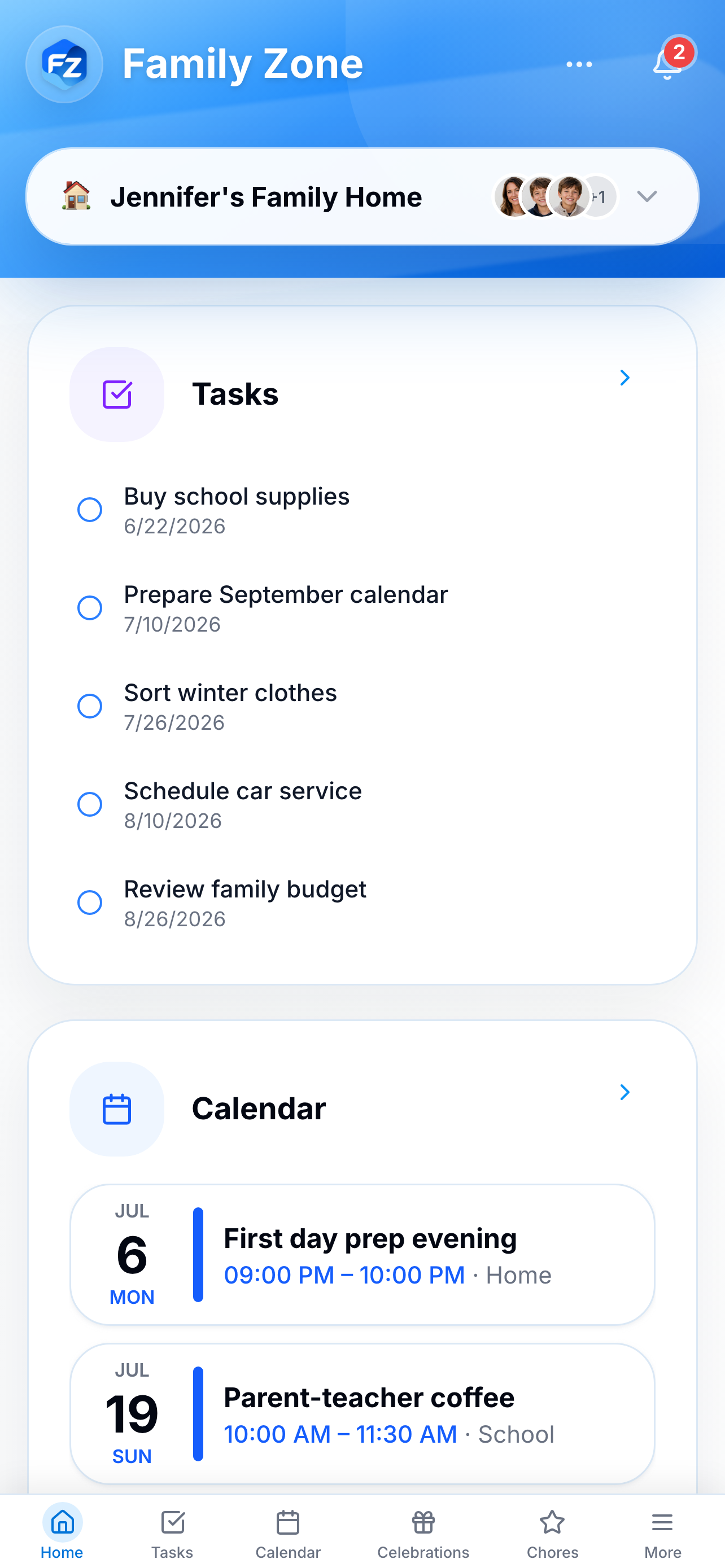
Custom Dashboard
Your family command center. Customize your dashboard with tiles for tasks, calendar, weather, budget, and more. Drag and drop to arrange exactly how you want.
Custom Dashboard Screenshot
390×844
Offline-First
Family Zone works even when you're offline. Add items to shopping lists, check tasks, view calendars—everything syncs seamlessly when you're back online.
Offline-First Screenshot
390×844
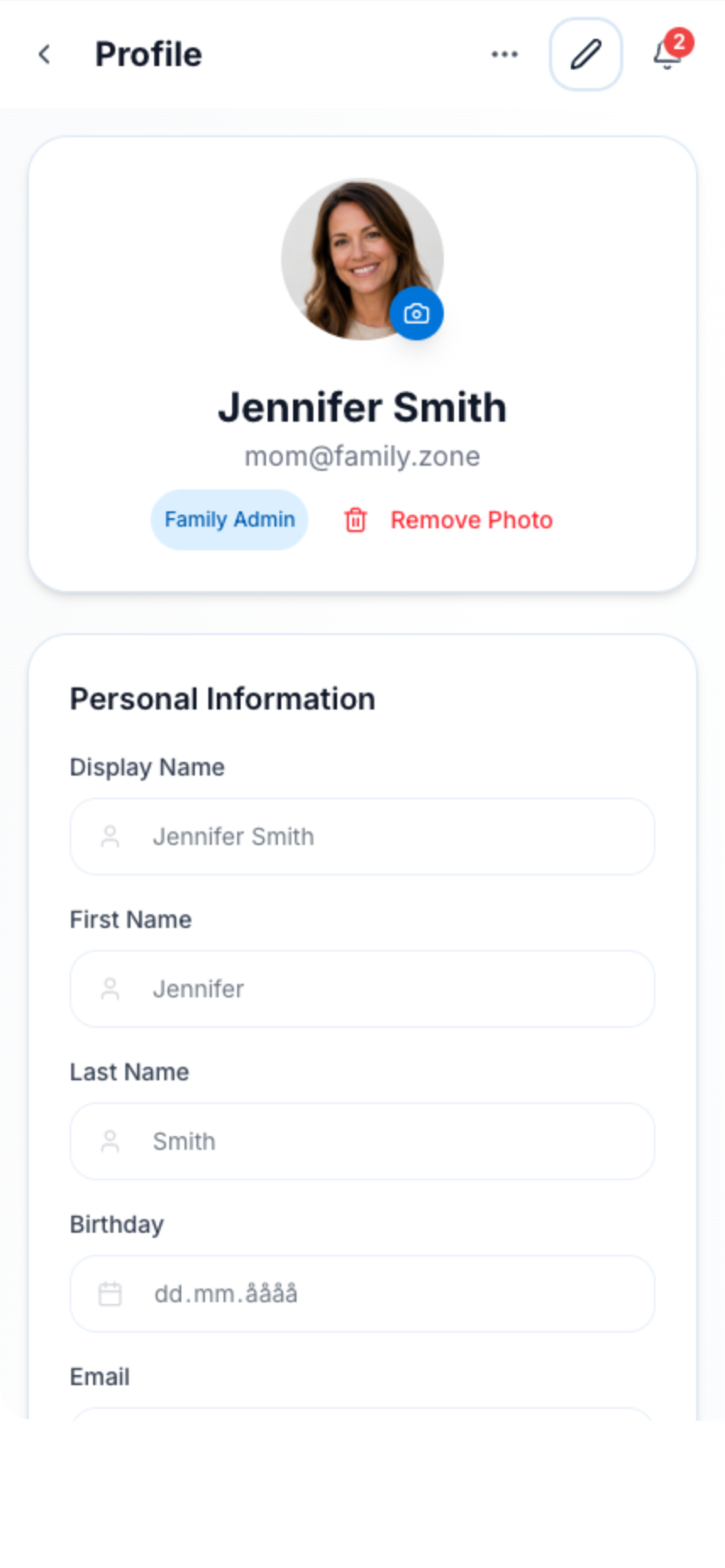
Personalization
Make Family Zone yours. Choose your language (English, Norwegian, Swedish, Danish), set your timezone, currency preferences, and notification settings.
Personalization Screenshot
390×844